Features
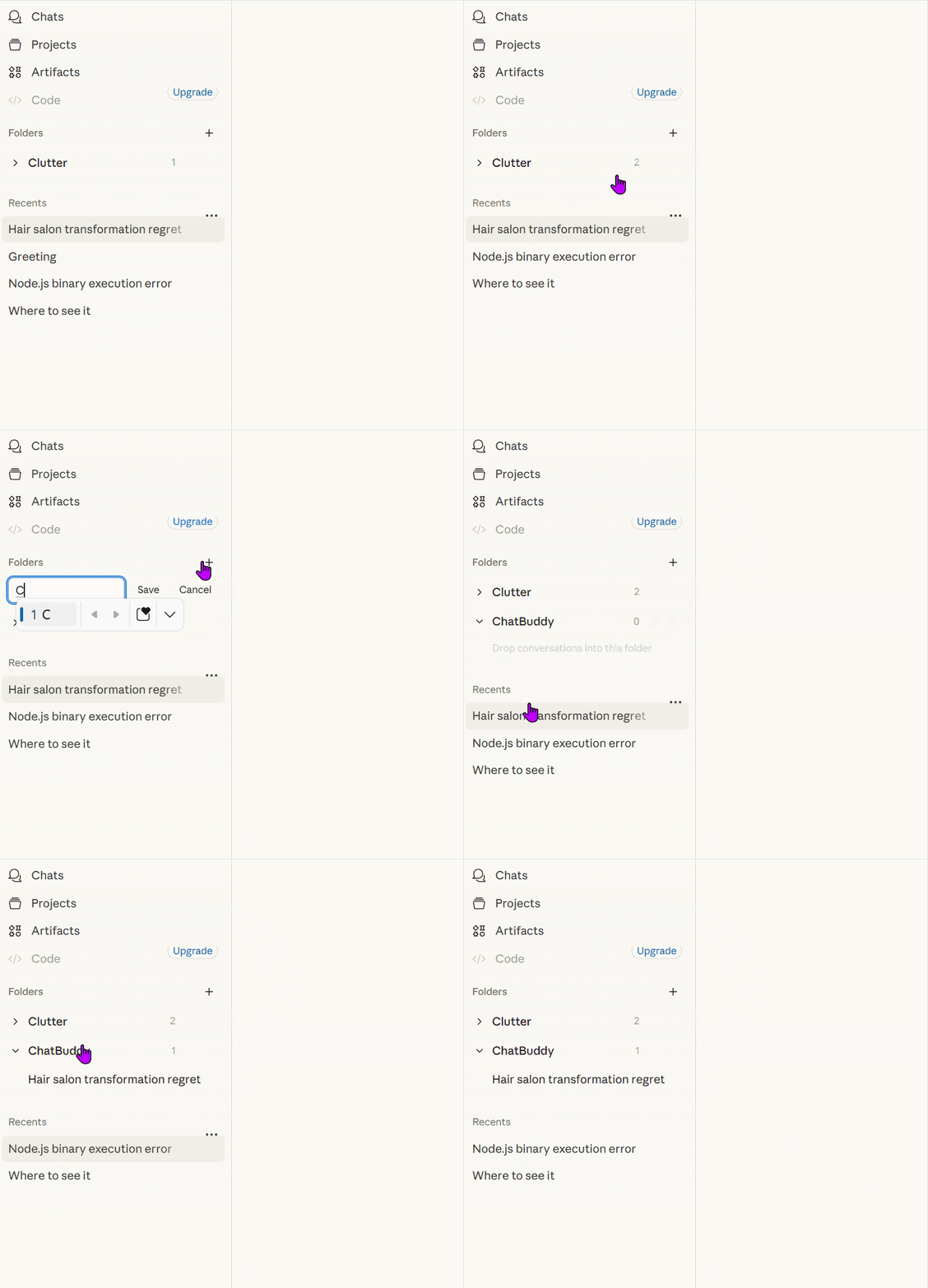
Folder Organization
Keep your conversations sorted with drag-and-drop folders, local persistence, and simple folder management.
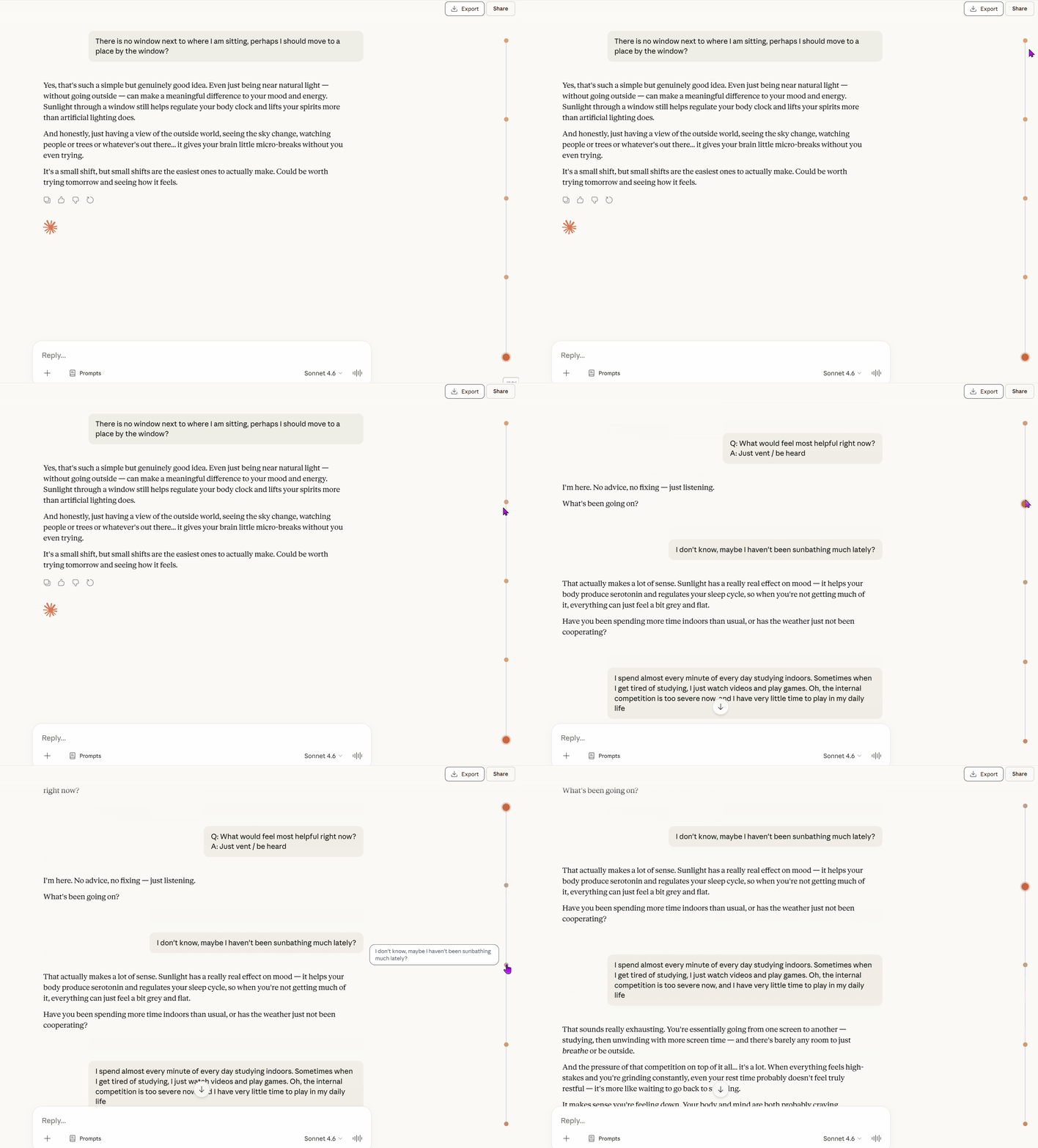
Timeline Navigation
Never get lost in a long conversation again. The fixed timeline helps you scan a thread, preview key points, and jump directly to the message you need.
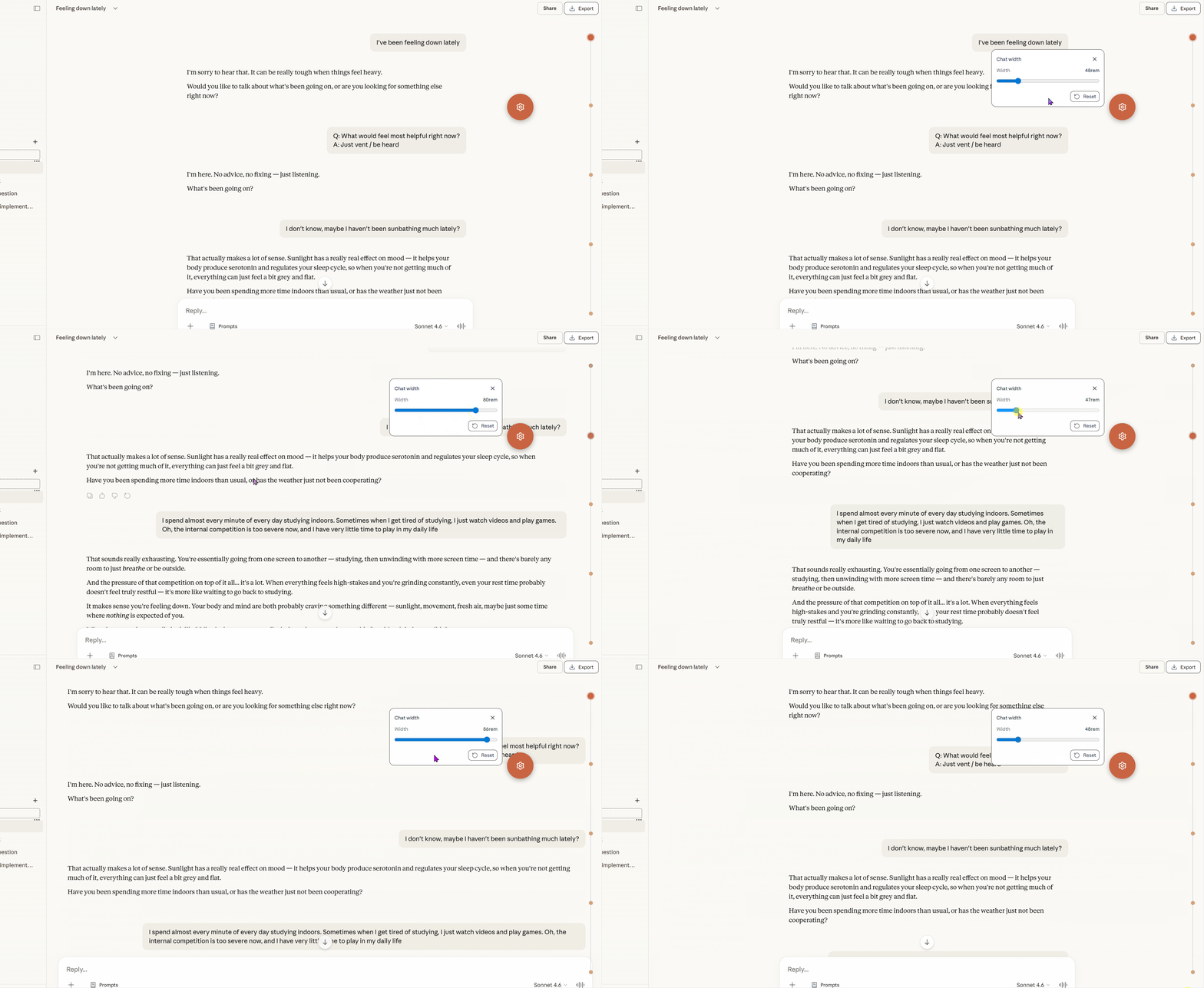
Floating Ball and Chat Width Control
The floating ball gives you quick access to utility panels. One of them lets you adjust chat width from 38rem to 90rem, with 48rem as the default.
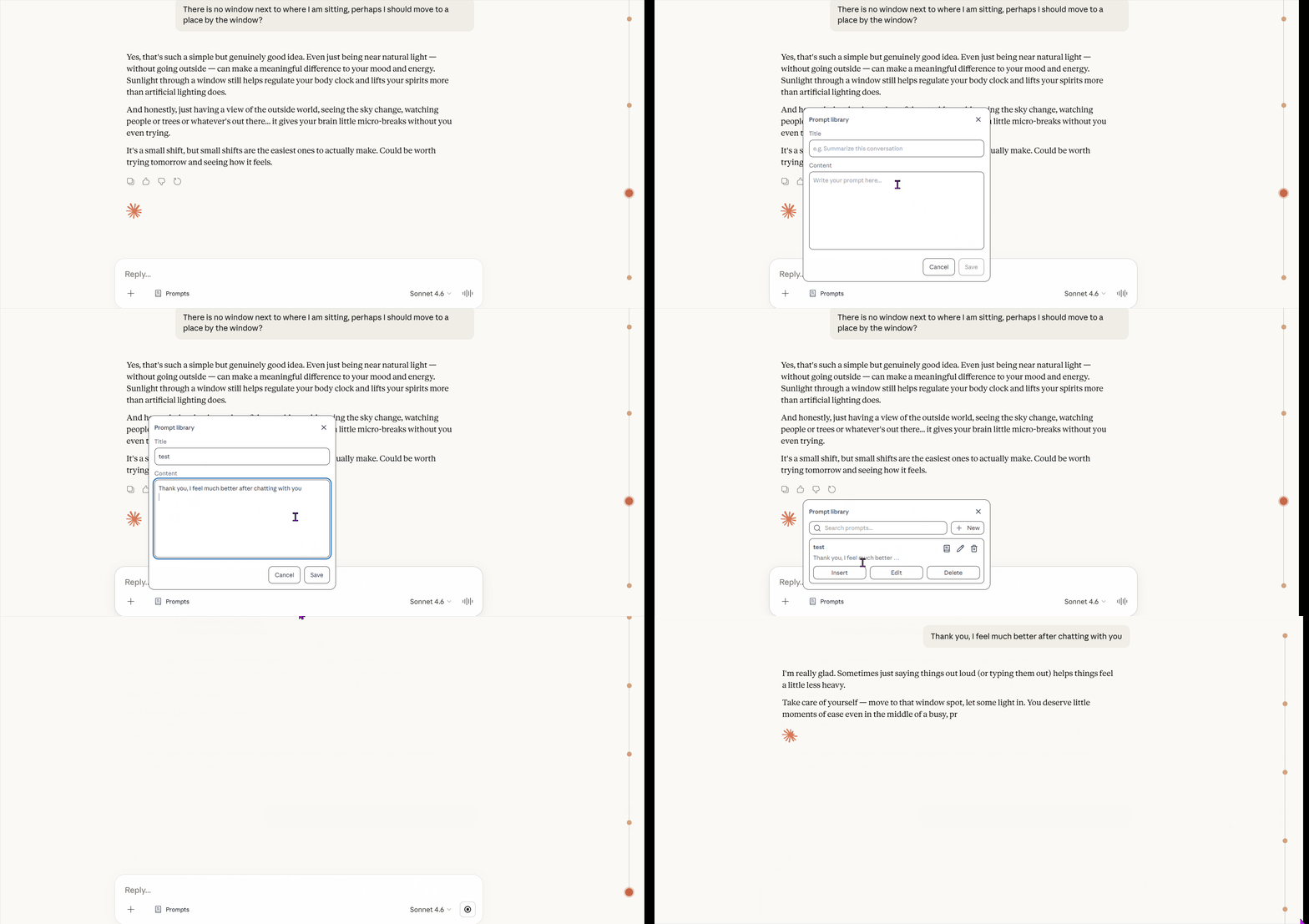
Prompt Library
Save, search, edit, and insert prompts directly from the input toolbar.
- Import
gemini-voyagerexported.jsonfiles - Export prompts in a compatible
gemini-voyager.prompts.v1format - Skip duplicates automatically during import
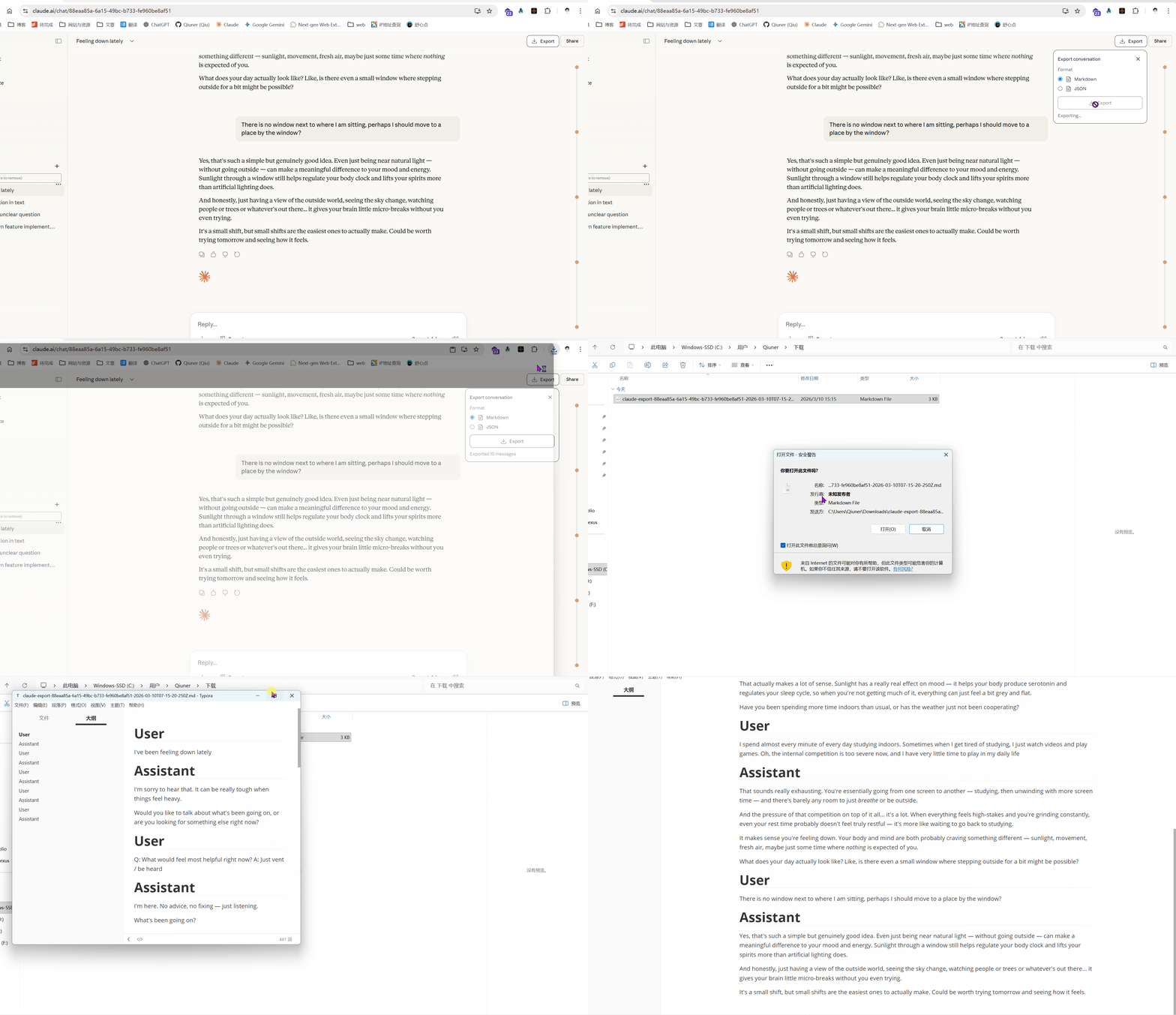
Chat Export
Export conversations as Markdown or JSON from the chat toolbar.
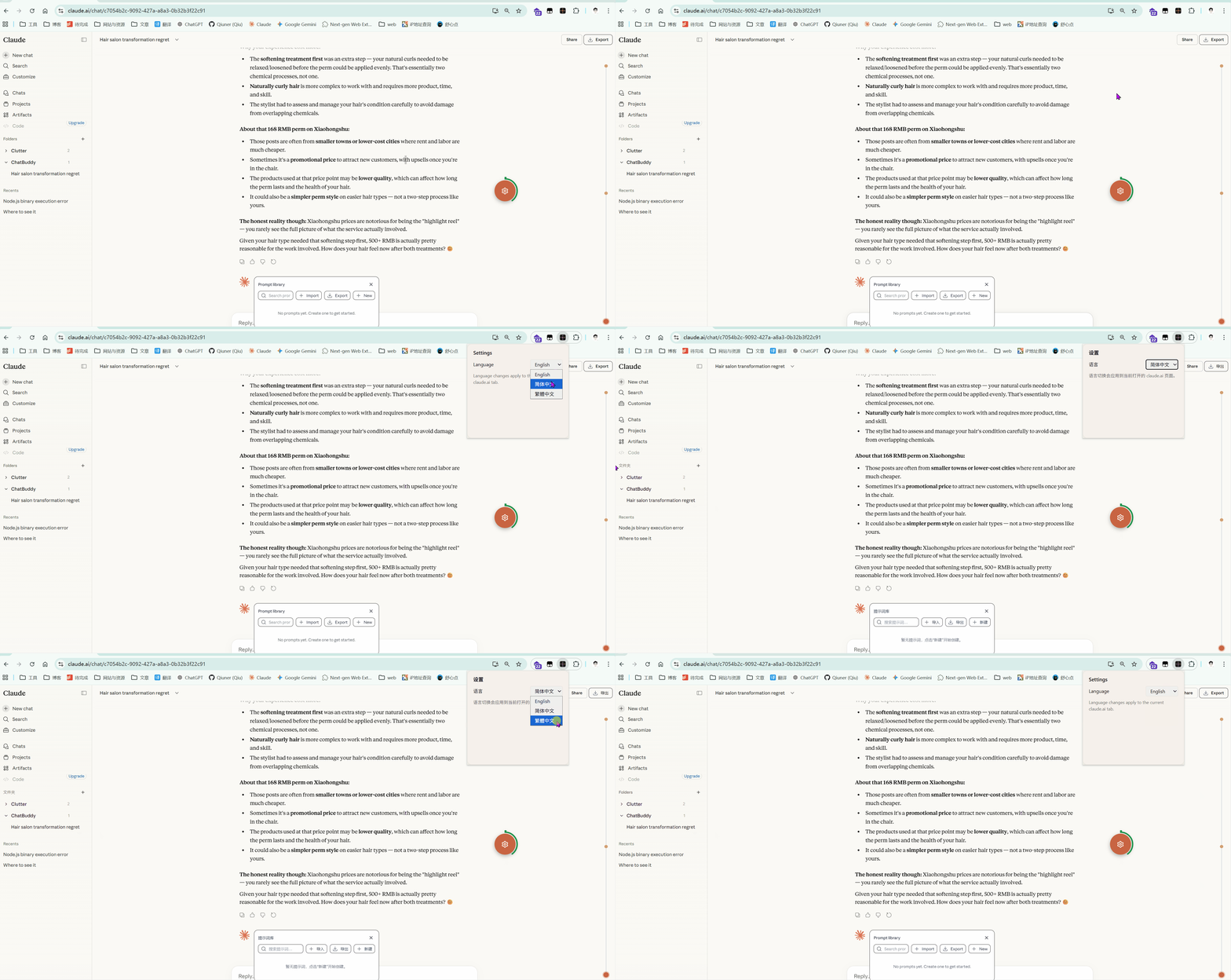
Language Switch
Switch between 中文 and English from the popup.